We do not store your master password. We never have. That is a promise most password managers make, and it is a good one. But it is not the whole story. Not storing your password protects you from us. It does nothing to protect you from someone who steals your backup file and simply tries to guess it, offline, with nobody watching and no limit on attempts.
So we asked what a genuinely stolen-proof backup would need, and built it.
One secret was never going to be enough
A password is something you know. It can be strong or weak, memorable or forgettable, unique or reused across a dozen sites you have long forgotten about. However careful the encryption around it is, a password-only vault is still, at bottom, only as strong as that one human choice.
We wanted a design where that single point of failure did not exist any more, where even a perfectly guessed password was not enough on its own to open anything.
A key that never leaves your hands
The Secret Key is generated once, on your device, by the same secure random number generator behind your device’s own encryption. It is 26 characters drawn from a 32-symbol alphabet with the visually ambiguous characters removed, which works out to about 130 bits of entropy, more than an AES-128 key AES-256 key.
It is shown to you exactly once, printed on an Emergency Kit you keep somewhere safe, and typed by hand the first time you set up a new device. After that it lives in your device’s own secure storage.
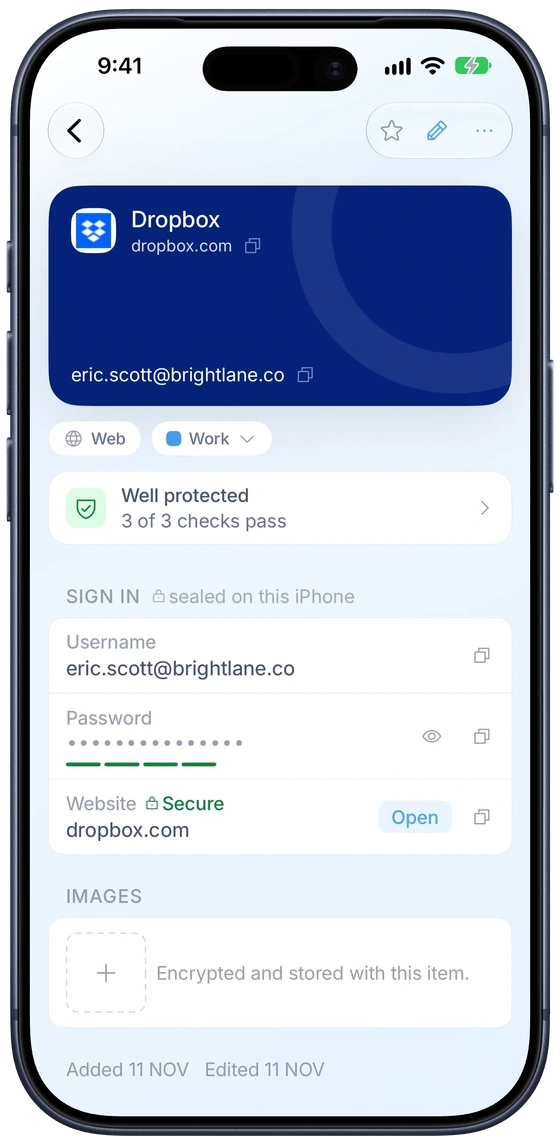
It is never uploaded, never synced and never sent to us, because the system is built so that we could not read it even if we wanted to. What travels when your devices sync is your vault key, locked with a key made from both secrets, and that is useless without both.
No partial credit
This is the detail we are most pleased with. Someone who somehow guesses your password correctly learns nothing from that success unless they also hold your Secret Key. The two are not checked one after the other. They are combined first, into a single value, before one locked attempt to open your vault. Get either wrong, even slightly, and the result looks exactly like getting both wrong. No hint, no partial match, no way to divide the problem into two easier ones.

For the mechanically minded: the password runs through Argon2id and the Secret Key through HKDF, independently. The two results are combined with an exclusive-or, and that combined value goes through a final HKDF step to produce the key that unwraps the vault. The wrapped key is sealed with AES-256-GCM, an authenticated cipher, so any wrong input produces a uniform authentication failure rather than a distinguishable one. There is no stored password verifier anywhere in the system. Every guess requires the full derivation and a full authenticated decryption attempt.
What this does not protect against
We would rather say this plainly than let a good number oversell itself. The two-key design is not beaten by mathematics. It is beaten by circumstance, specifically if whoever takes your backup file also gets your printed Emergency Kit. Same stolen bag, same photographed drawer, and the second lock is gone with it.
The cryptography is only as strong as where you keep that card. Store it away from your devices and away from your backups, the way you would keep a passport separate from its photocopy.
A Secret Key is already generated for vaults created since August 2026. If yours is older, turning it on takes about two minutes in Settings, under Security & lock.
The companion piece, what really protects your passwords if a backup leaks, walks through what a stolen backup file actually exposes.
Put the design to use
Prepare a recovery key before you need it, and review biometric unlock and auto-lock. If you have already lost access, start with the master-password recovery guide.
Questions
Do I need both my password and my Secret Key every time I unlock the app?
No. Once a device is set up, Face ID or Touch ID unlocks it day to day. The Secret Key is asked for only when adding a new device or recovering from a backup, the moments a stolen file would actually matter.
Is this the same as two-factor authentication?
Related, but different. Two-factor authentication usually protects a login to a server. This protects the encryption itself, offline, with no server involved at all. There is nothing to phish, because there is no login step to intercept.
Why not just require a longer password instead?
Because people do not reliably choose or remember long, random passwords, however much we might wish they did. A second, separately stored secret protects you regardless of how strong your password habits are.
Has this been independently verified?
Not yet by a third party, and we are not going to claim otherwise. Everything in this article was checked against our own source code, and we will publish the results of an independent review as soon as we have them.
Is Argon2id better than the older key derivation functions?
It is designed to be expensive in memory as well as time, which makes large scale guessing on specialised hardware far more costly than with older approaches. It does not make a weak master password strong, so length still matters more than anything else you choose.
If the company disappeared tomorrow, could I still open my vault?
Your data is on your device, encrypted with a key derived from your master password, and export exists so you can keep your own copy. That is the practical test of the model: it should not depend on anyone staying in business.