Bitwarden is many people's first password manager because its free plan is generous. This page puts it beside Zen Passwords one specific job at a time: what protects the vault, where it lives, what it can hold and what you get without paying more.
- You want a Secret Key on top of your master password, so a guessed password alone opens nothing
- You want no account and no vendor server, with the vault on your device and sync only through your own iCloud
- You want to add and edit entries with no connection
- You want encrypted backups on a schedule, with a record of each one
- You keep bank details, Wi-Fi networks and software licenses, and want photos attached to entries
- You want reused, weak and old passwords flagged on your phone without a paid plan
- You want recovery split across people you trust, so no single person can open your vault
- You need Windows, Android, Linux or browser extensions
- You want an unlimited vault for free
- You share logins with other people
At a glance
| Zen Passwords | Bitwarden | Better | |
|---|---|---|---|
| A second key beyond your password | Master password plus Secret Key | Master password only | Zen Passwords |
| What one guess costs an attacker | Argon2id at 64 MiB, automatic | PBKDF2, or Argon2id at 32 MiB by default | Zen Passwords |
| No account and no server to breach | No account, no server, optional iCloud | Account on Bitwarden's or your own server | Zen Passwords |
| Works fully offline | Fully usable offline | Read-only when offline | Zen Passwords |
| Backups you control | Scheduled encrypted backups with history | Manual exports | Zen Passwords |
| Password health on your phone, on every plan | Reused, weak, stale for everyone | Reports with Premium | Zen Passwords |
| Seven item types with custom fields | Seven types plus custom fields | Five types plus custom fields | Zen Passwords |
| Photos attached to each entry | Encrypted photos on every plan | Attachments with Premium | Zen Passwords |
| Recovery you set up yourself | Recovery key or split across trusted people | Emergency access with Premium | Zen Passwords |
| The devices it reaches | iPhone, iPad and Mac | Every major platform and browser | Bitwarden |
| The free plan | Five active items | Unlimited passwords | Bitwarden |
01A second key beyond your password
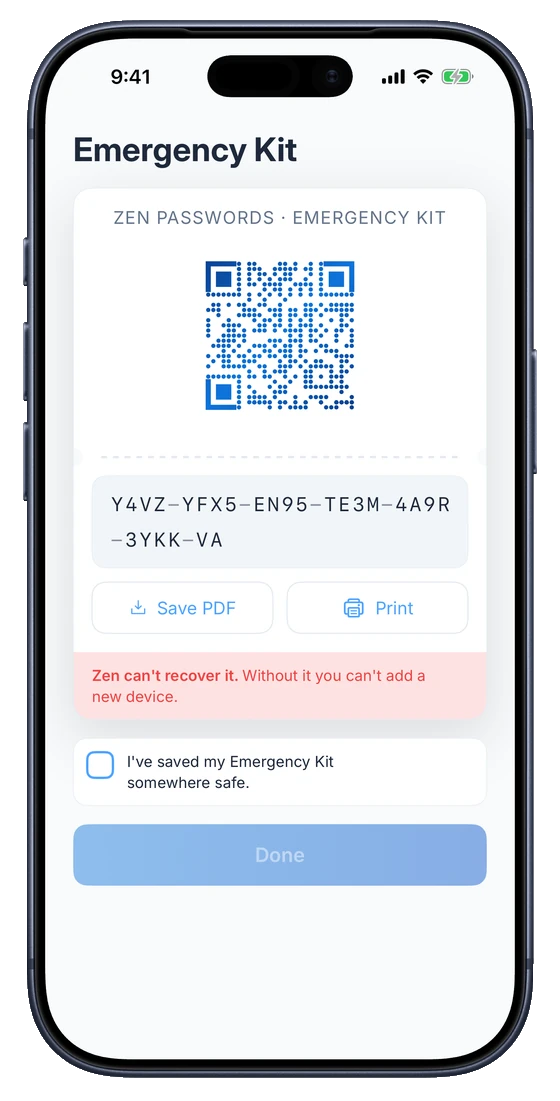
Your master password is combined with a 26-character Secret Key, generated on your device and never uploaded or synced. New vaults have it by default, and Zen asks for it when you add a device, open the web vault or restore a backup.
The vault key is derived from your master password alone.
Zen Passwords. With Bitwarden, anyone holding a copy of your vault data needs only your password. With Zen, a correctly guessed password opens nothing without the Secret Key.
02What one guess costs an attacker
Argon2id always, with no setting to find. A new vault uses 64 MiB of memory per guess, combined with a Secret Key.
PBKDF2 with 600,000 iterations, or Argon2id if you switch to it in the web app's settings. Bitwarden's Argon2id default is 32 MiB of memory per guess.
Zen Passwords. Memory is what limits how many guesses a cracking rig can run at once. Zen sets it high for you; with Bitwarden you have to find the setting and raise it yourself.
03No account and no server to breach
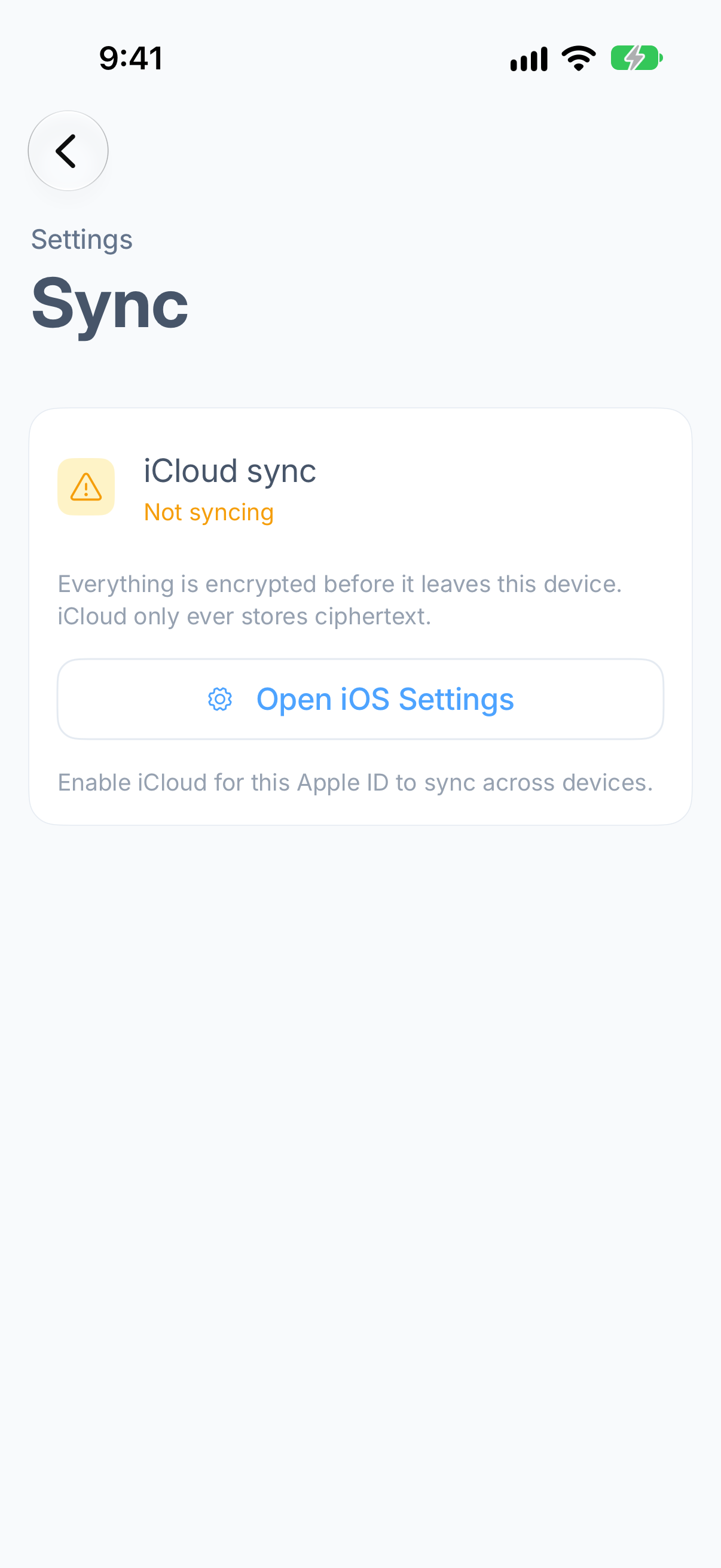
No account and no Zen server holding vaults. The vault lives on your device. Sync runs through your own private iCloud when you are signed in, carrying only data encrypted on your device first.
A Bitwarden account, with encrypted vaults stored on Bitwarden's cloud servers, or on a server you run and maintain yourself.
Zen Passwords. Bitwarden asks you to trust its servers or to run your own. Zen needs neither, because the vault never has to leave your devices.
04Works fully offline
The vault is on your device, so viewing, adding, editing and AutoFill all work with no connection.
An unlocked app works offline in read-only mode. You cannot add or edit items, attachments or Sends until you reconnect.
Zen Passwords. On a plane or abroad without data, Bitwarden lets you look. Zen lets you save the new login you just created.
05Backups you control
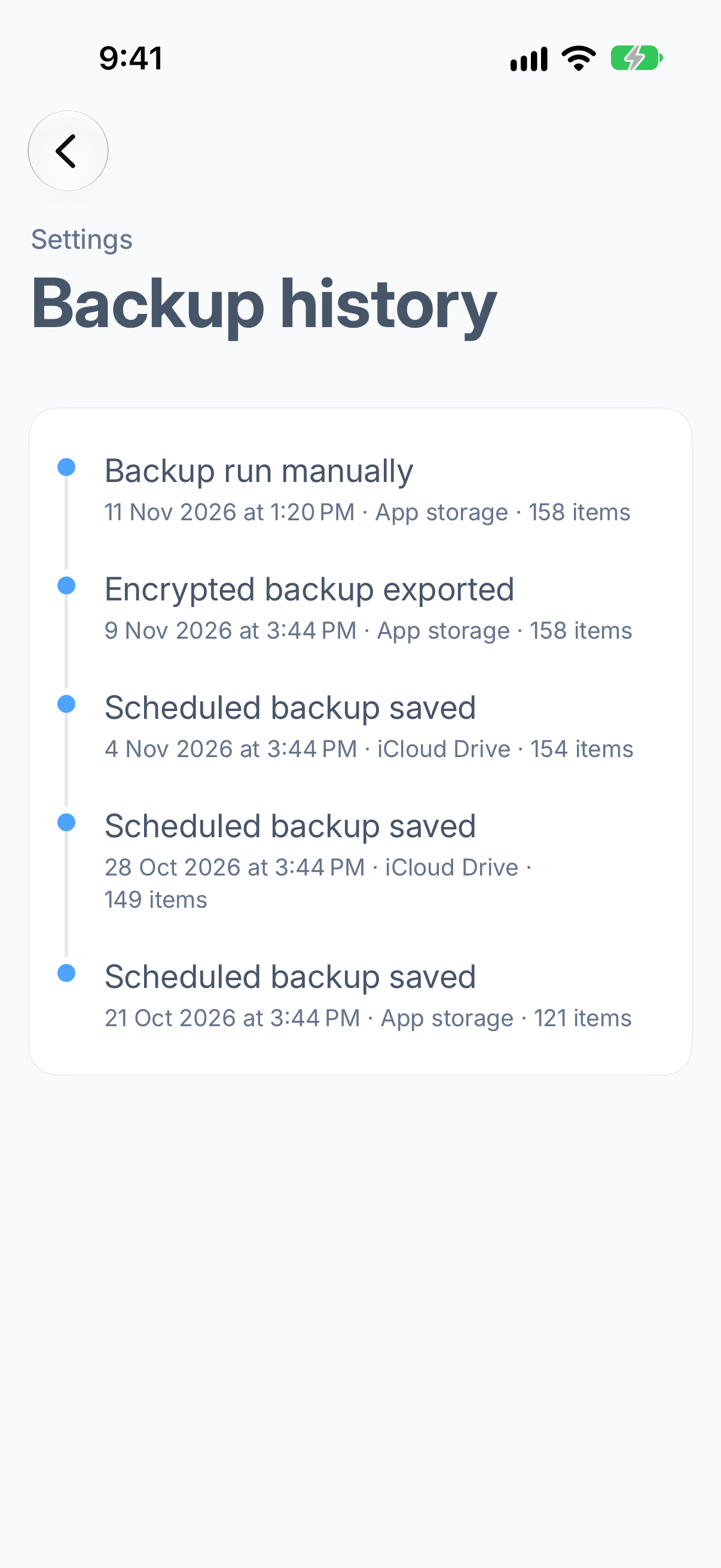
Encrypted backups on demand or on a schedule, saved to a folder you choose, with a history showing the date, destination and item count of every backup.
Manual exports, including encrypted JSON protected by a password or tied to your account. No scheduled backups.
Zen Passwords. Bitwarden makes an encrypted file when you remember to ask. Zen makes one on schedule and keeps a record of every backup.
06Password health on your phone, on every plan
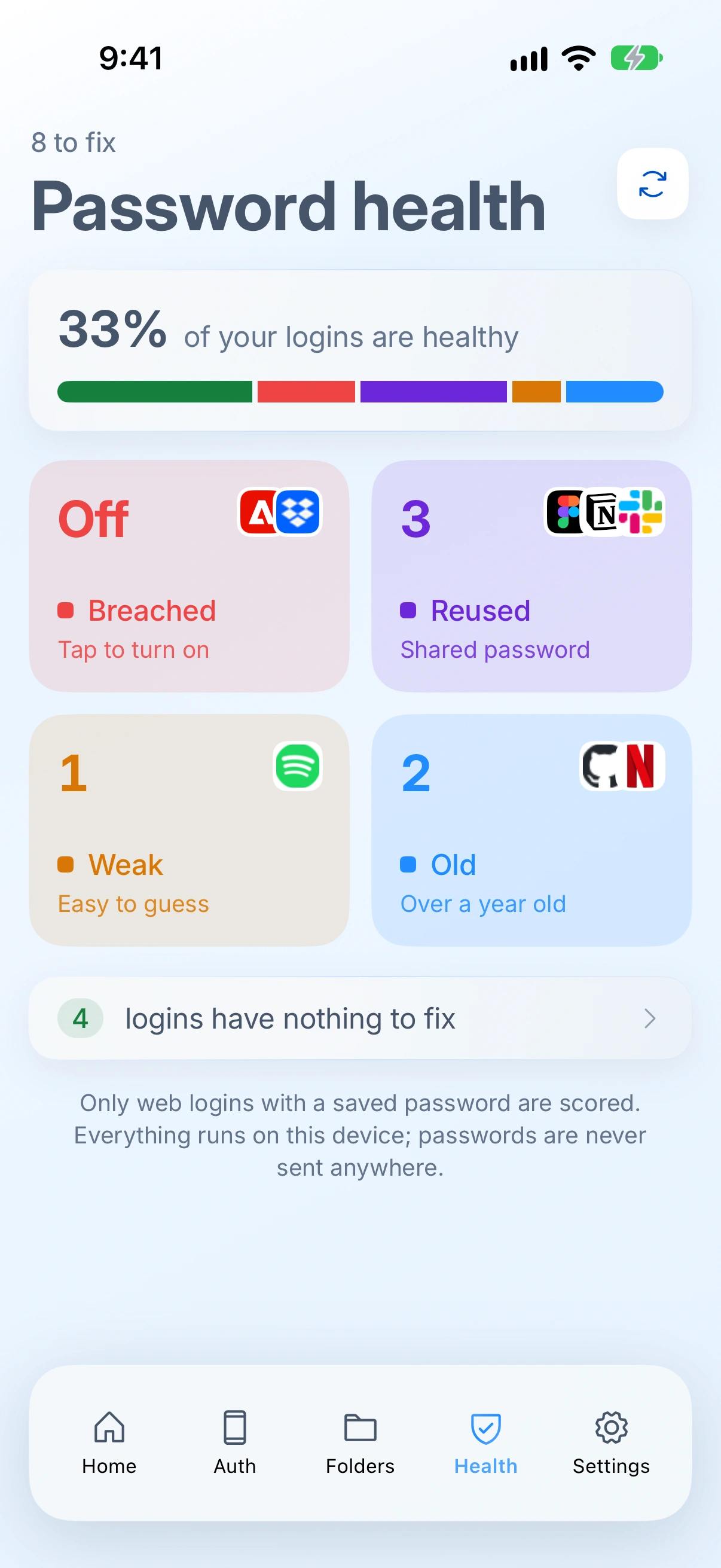
Reused, weak and stale checks for everyone, right in the app, with every check run on the device. Stale means not changed in over a year. The breached-password check is part of Zen Premium and opt in.
Exposed, reused and weak password reports are part of Premium, in the web app and browser extension. The free plan includes the data breach report for your email address.
Zen Passwords. On Bitwarden's free plan you are never shown which passwords are reused or weak. On Zen's, you are, on your phone, along with the ones you have not changed in years.
07Seven item types with custom fields
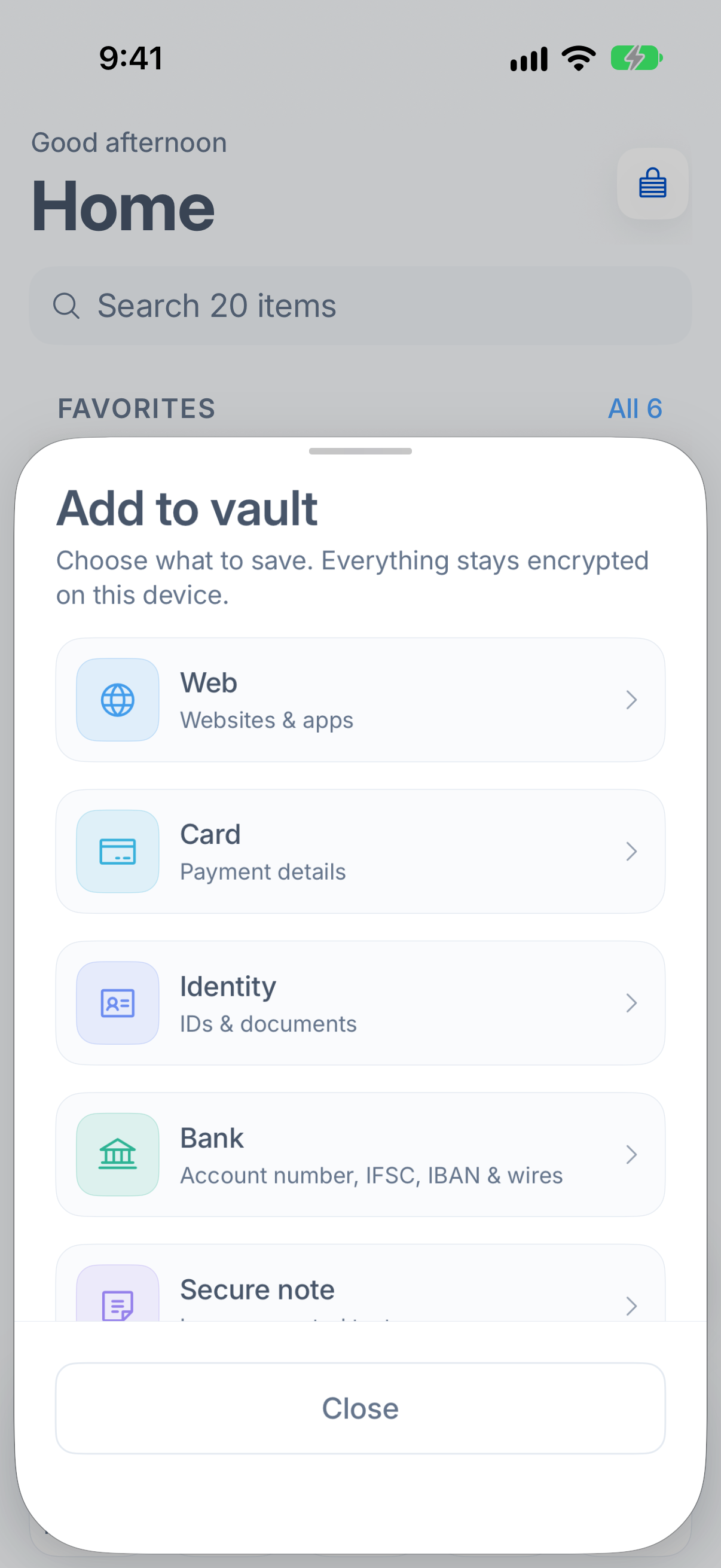
Seven types, each with fields that fit: web logins, payment cards, bank details, identity documents, Wi-Fi networks, software licenses and secure notes. Custom fields on any of them.
Five types: login, card, identity, secure note and SSH key, with custom fields.
Zen Passwords. Bank details, Wi-Fi networks and software licenses get forms built for them in Zen, instead of a secure note you lay out by hand.
08Photos attached to each entry
Attach photos to any entry, encrypted with the entry itself, on every plan including the free tier. An entry with photos still counts as one item.
File attachments need Premium or a paid organization.
Zen Passwords. A passport page or an insurance card belongs with its entry. Zen includes that on every plan; Bitwarden charges for it.
09Recovery you set up yourself
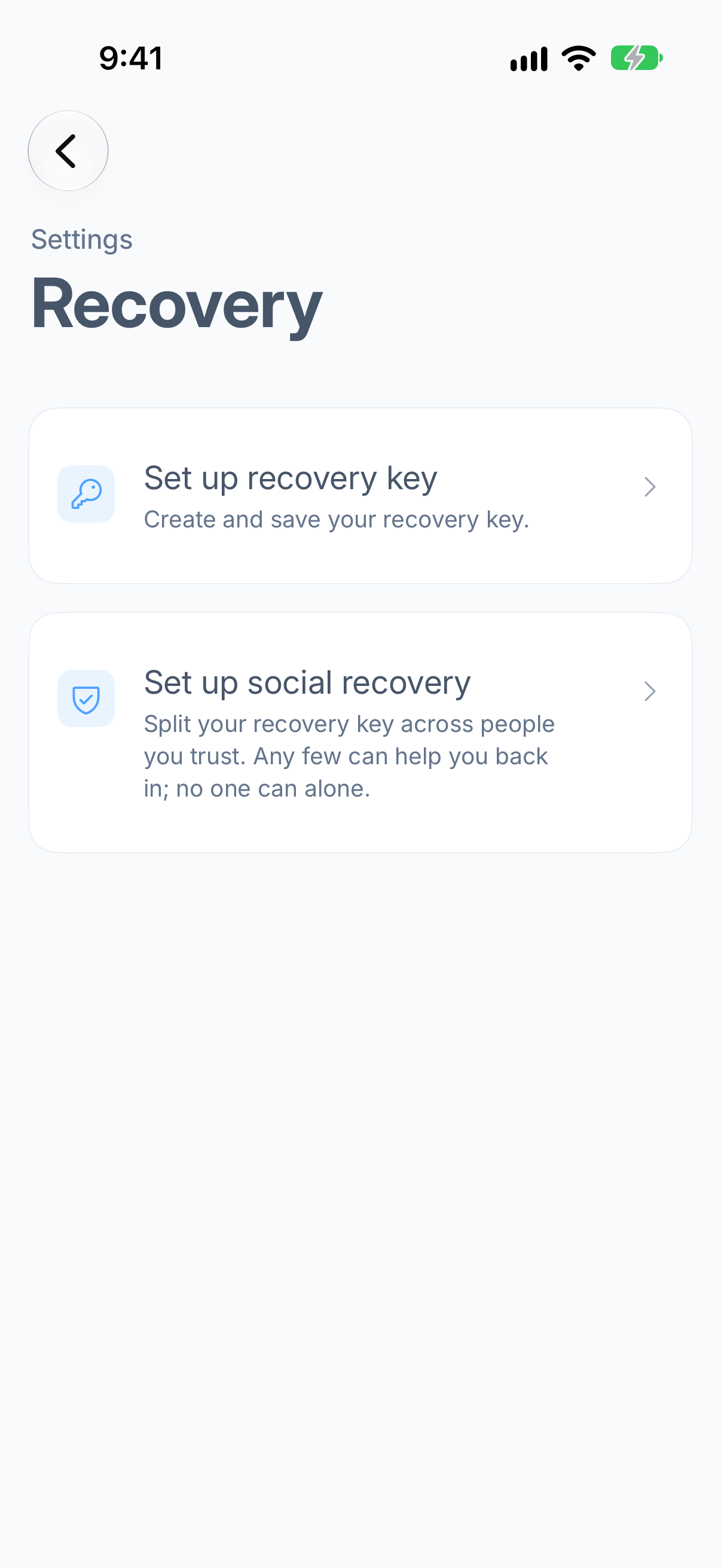
A recovery key you keep, on every plan, or social recovery that splits it across people you trust: any few of them together can help you back in, and no one of them can alone.
Emergency access, a Premium feature: a trusted contact requests access and gets it after a wait you set, either to view your vault or to take it over with a new master password.
Zen Passwords. A Bitwarden emergency contact, once the wait is over, can read everything. Each of Zen's trusted people holds only a piece.
10The devices it reaches
iPhone, iPad and Mac, with AutoFill in Safari and in other apps.
Apps for Windows, macOS, Linux, Android and iOS, plus browser extensions for Chrome, Firefox, Safari, Edge and other major browsers.
Bitwarden. If any device in your week is not an Apple one, Bitwarden fills and edits there and Zen does not. Zen lets you read your vault in any browser at zenpasswords.com/vault, but not fill or edit there.
11The free plan
Five active items in the real app, with no time limit. Zen Premium removes the limit.
Unlimited passwords on unlimited devices, with sharing to one other person.
Bitwarden. For an unlimited vault at no cost, Bitwarden's free plan is the larger one.
Moving from Bitwarden
A clean move takes a few minutes. Three things to know first.
- Export from Bitwarden as JSON or CSV, then import the file into Zen Passwords.
- Plain JSON and CSV exports are readable by anyone who has the file. Delete it as soon as the import is checked.
- Check one login with a one-time code and one with a passkey after the import, then sign in once with each.
Try five active items free and test your everyday sign-in flow. Zen Passwords on the App Store
Sources and scope
Bitwarden documentation checked on 14 November 2026.
- Bitwarden personal plans Free plan capacity and sharing; what Premium adds, including attachments, reports and emergency access.
- Bitwarden encryption key derivation PBKDF2 and Argon2id defaults, derivation from the master password, and where to change the algorithm.
- Using Bitwarden offline Read-only offline mode; no adding or editing items offline.
- Bitwarden export Plain and encrypted export formats; exports are manual.
- Bitwarden vault health reports Which reports exist, where they run and which need Premium.
- Bitwarden file attachments Attachments for Premium users and paid organizations.
- Bitwarden emergency access Premium feature; view or takeover after a wait time.
- Bitwarden vault items Login, card, identity, secure note and SSH key item types.
- Zen vault cryptographic core Open-source key derivation with test vaults.
- Zen Passwords product details Security model, item types, backups, health checks and the free tier.
Questions
What does Zen Passwords do that Bitwarden does not?
It adds a Secret Key to your master password, works with no account or server, lets you add and edit entries offline, makes encrypted backups on a schedule, and has dedicated types for bank details, Wi-Fi and software licenses. Photos, health checks and recovery come on every plan rather than with Premium.
Is Zen Passwords free like Bitwarden?
Zen has a free tier of five active items in the real app, with AutoFill, sync, backups, recovery and all seven item types, and no time limit. Bitwarden's free plan holds more items. Zen Premium removes the limit and adds the opt-in breach check.
Does Zen Passwords use Argon2id like Bitwarden?
Always, with no setting to change. A new vault uses 64 MiB of memory per guess, combined with a Secret Key, and the key-derivation core is published as open source with test vaults.
Does Zen Passwords work in Zen Browser or Firefox on a Mac?
Not for AutoFill yet. Firefox-based browsers, Zen Browser included, do not support macOS AutoFill providers (Mozilla bug 1650212), so Zen Passwords fills in Safari and in apps. In those browsers, copy a login from the Mac app; the clipboard clears itself shortly after.
Can I move my Bitwarden vault into Zen Passwords?
Yes. Zen imports Bitwarden JSON and CSV exports. The linked Bitwarden handover guide covers exporting, importing and checking the result.