Eleven rounds against the best known privacy brand in password managers. Each one names a specific mechanism, says what each app does and scores it.
- No account to create and no vendor server holding your vault.
- Two keys: your master password plus a Secret Key that never leaves your device.
- A way back in without any company: a recovery key, or trusted people who together can help.
- Encrypted backups on a schedule, to a folder you choose, with a full history.
- Works offline on every plan, with one-time codes included rather than sold as an extra.
- Password health that also flags passwords left unchanged for over a year.
- An app built only for iPhone, iPad and Mac.
- You need your passwords on Android, Windows or Linux.
- You want to share vaults with family or create hide my email aliases.
- You want open-source apps with published independent audits.
At a glance
| Zen Passwords | Proton Pass | Better | |
|---|---|---|---|
| No account to create | No account at all | Proton account required | Zen Passwords |
| No vendor server holding your vault | On your device; optional private iCloud | Encrypted, on Proton servers | Zen Passwords |
| Two keys: master password plus a Secret Key | Device-generated 130-bit Secret Key, on by default | Optional extra password you choose | Zen Passwords |
| Recovery without the company | Recovery key, or social recovery | Account recovery; paid Emergency Access | Zen Passwords |
| Encrypted backups on a schedule | Scheduled encrypted backups with history | Manual export, not from mobile | Zen Passwords |
| Your vault works offline | Offline on every plan | Offline on paid plans | Zen Passwords |
| One-time codes included | Codes on the login, not a paid extra | Authenticator on paid plans | Zen Passwords |
| Password health that runs on the phone | Breached, reused, weak and stale | Weak, reused, missing 2FA | Zen Passwords |
| Built only for Apple | Native to iPhone, iPad and Mac | One app across every platform | Zen Passwords |
| Devices beyond Apple | iPhone, iPad and Mac | Every major platform and browser | Proton Pass |
| Sharing, and hiding your email | Personal vault only | Vault sharing and email aliases | Proton Pass |
01No account to create
There is no Zen account. Install the app, set a master password and your vault exists on your device. No email address, no sign-up and no login to phish.
You sign up for a Proton account, and that account password is what signs you in to Proton Pass and every other Proton app.
Zen Passwords. Zen Passwords. An account is something that can be phished, locked or reset. Zen has nothing of the kind to attack.
02No vendor server holding your vault
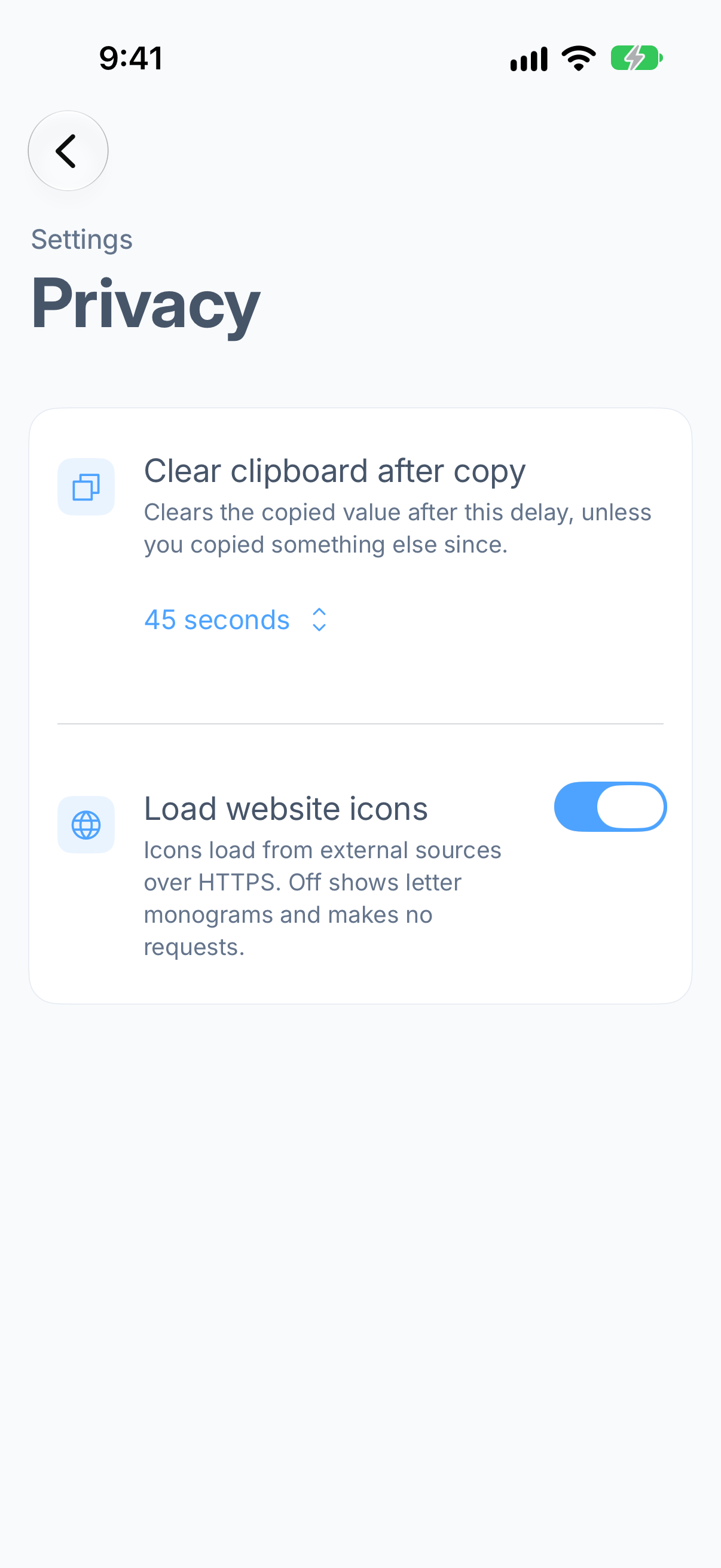
Your vault lives on your device. Sync goes through your own private iCloud under your Apple ID when you are signed in, and carries encrypted data only. Without iCloud, the vault stays on the device.
Your vault is end to end encrypted and stored on Proton servers, with storage space allotted by plan.
Zen Passwords. Zen Passwords. Encryption protects a vault on a server. Not having a vendor server at all means there is no central store of vaults to breach.
03Two keys: master password plus a Secret Key
A 130-bit Secret Key, 26 characters, generated on your device and never uploaded or synced, combined with your master password. On by default for new vaults, and asked for when you add a new device, open the web vault or restore a backup.
An optional extra password for Proton Pass, which you choose yourself, at least eight characters, entered on top of your Proton account password.
Zen Passwords. Zen Passwords. A second password you choose is still something a person can guess. A random 130-bit key that never leaves your device means a correctly guessed master password opens nothing on its own.
04Recovery without the company
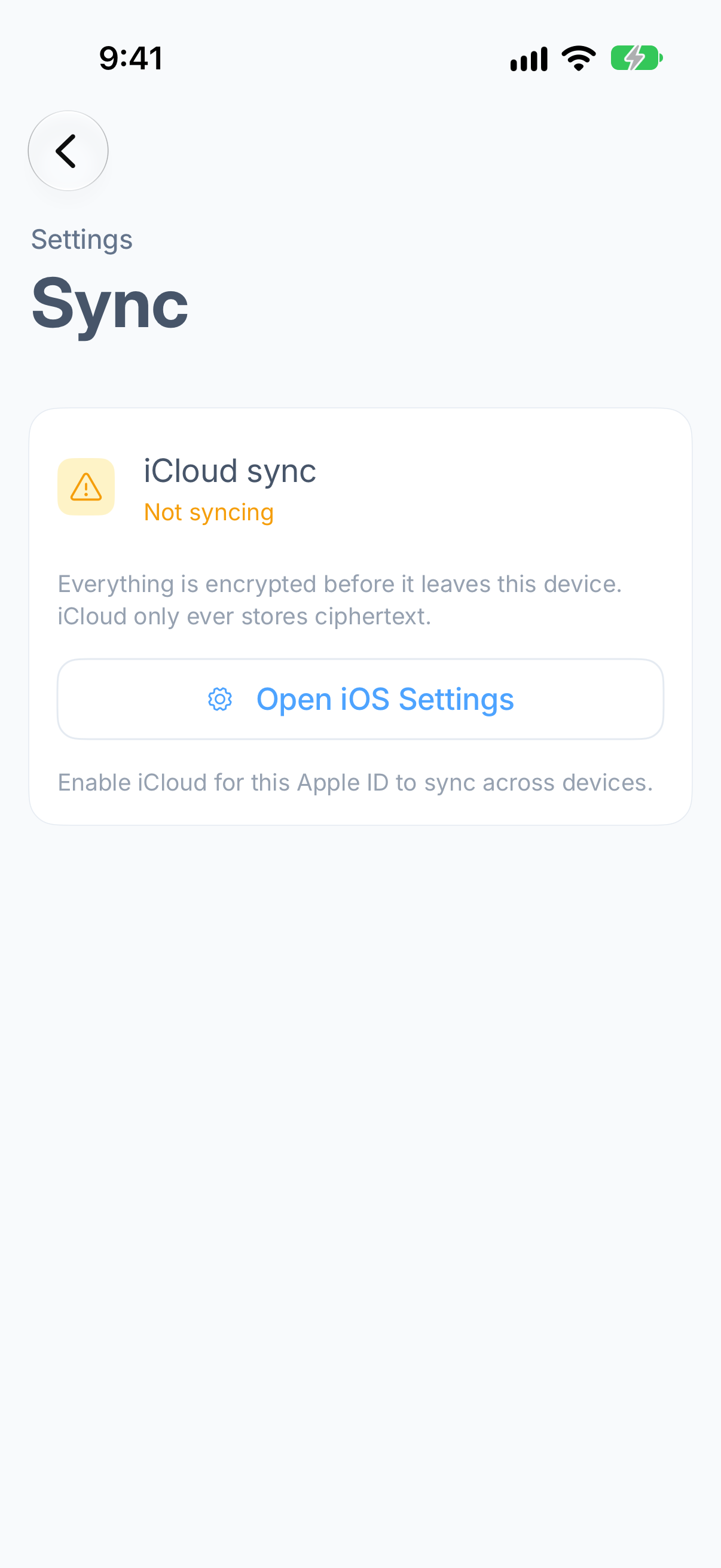
A recovery key you keep, or social recovery, which splits that key across people you trust. A few of them together can help you back in, and no single person can open the vault. No account, no company and no paid plan involved.
A recovery phrase or recovery file tied to your Proton account. Emergency Access, on paid plans, lets up to five contacts with their own Proton accounts request access, and a request is approved automatically after the waiting period you set if you do not respond.
Zen Passwords. Zen Passwords. Proton recovery runs through Proton accounts, and one emergency contact can gain access alone. Zen social recovery needs several people you chose, acting together, and nothing else.
05Encrypted backups on a schedule
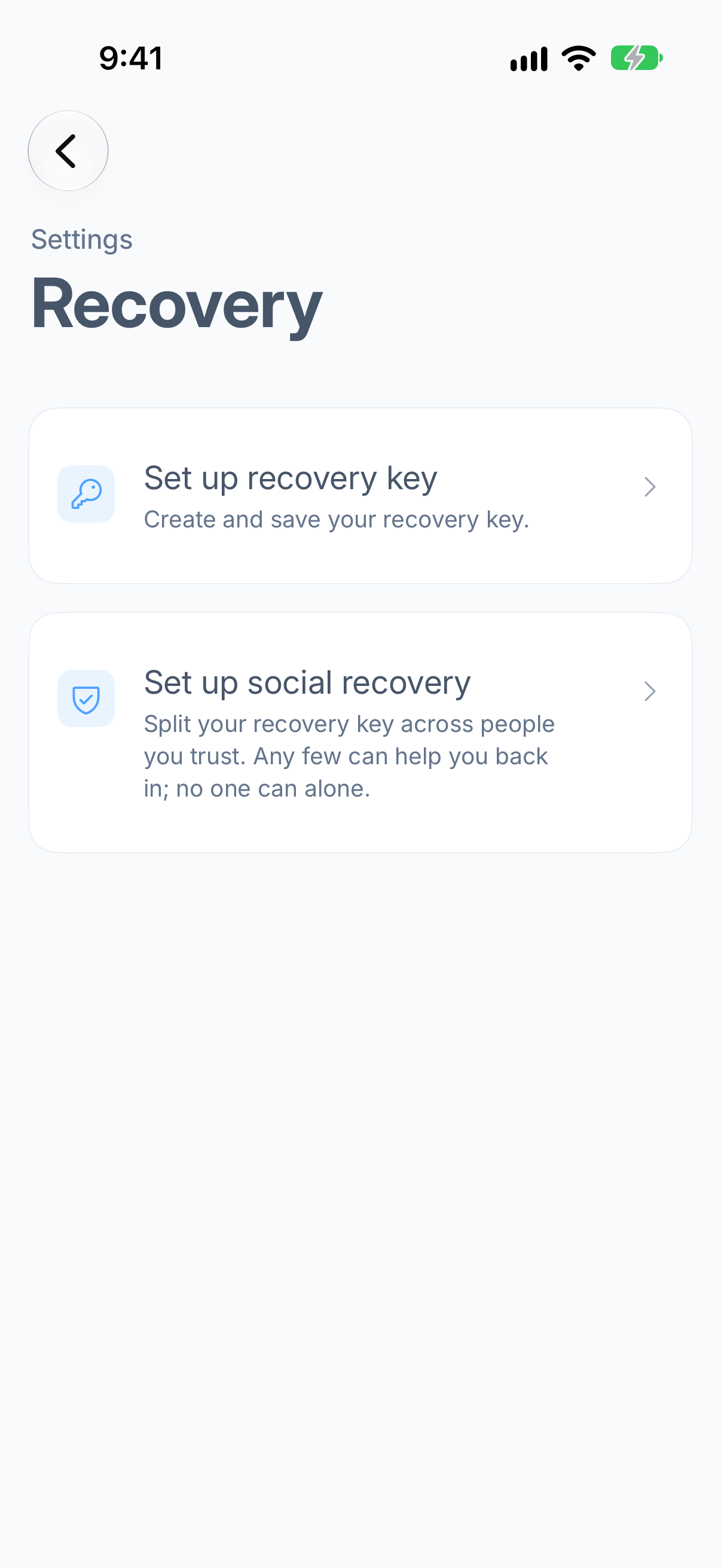
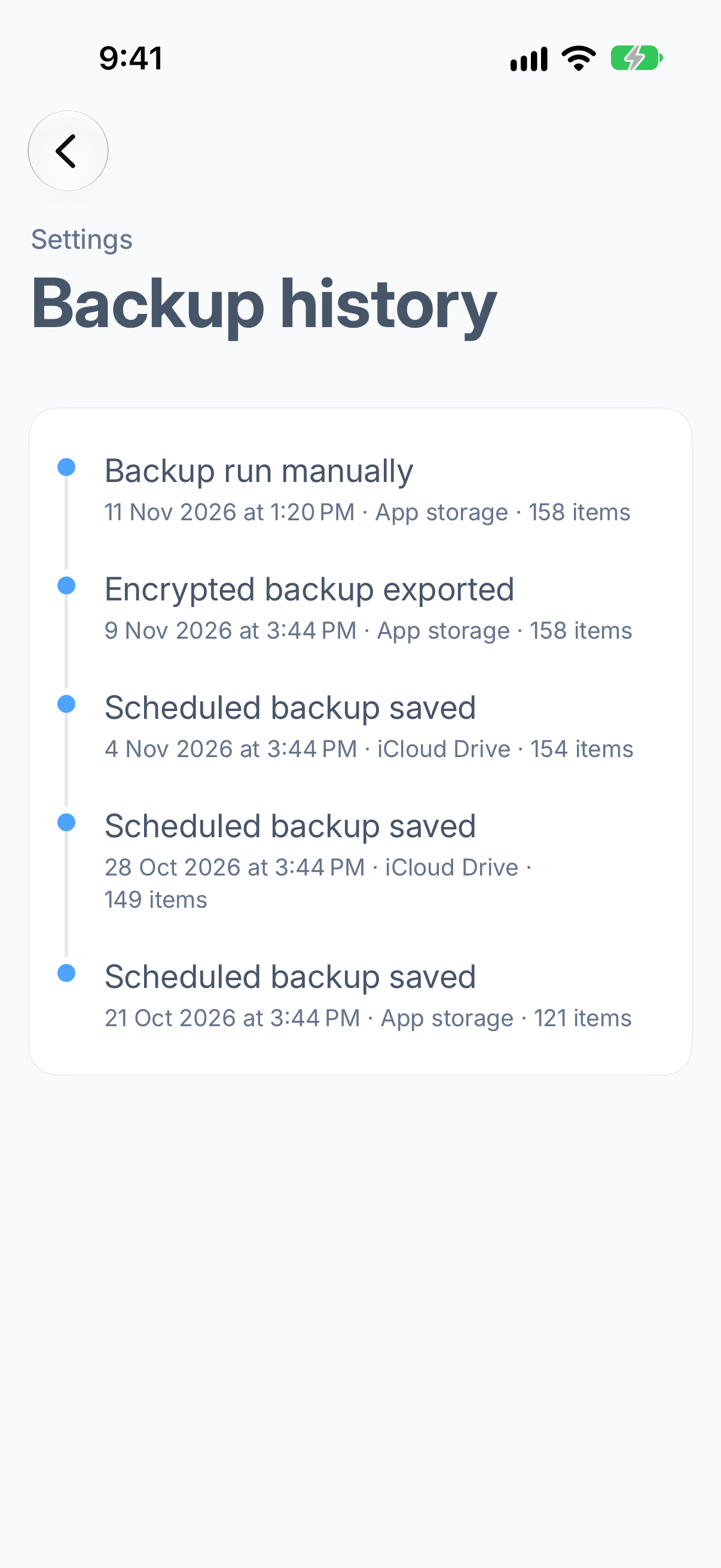
Encrypted backups on demand or on a schedule, into a folder you choose, straight from your iPhone, iPad or Mac. A history lists every backup with its date, destination and item count. The file can also be opened from a terminal with the open-source, read-only zen-cli, with no app and no account.
A manual export, as a PGP-encrypted file, unencrypted JSON or CSV, from the browser extension, web app or Windows app. Proton says you cannot export from its mobile apps, and it documents no scheduled export.
Zen Passwords. Zen Passwords. A backup you have to remember to make is a backup you will not have. Zen makes them for you, on the phone, and shows you each one.
06Your vault works offline
The vault is on your device, so it works offline on every plan, free included.
Offline access to your items is available on paid Proton Pass plans.
Zen Passwords. Zen Passwords. On a plane or in a basement, your passwords should not depend on what you pay.
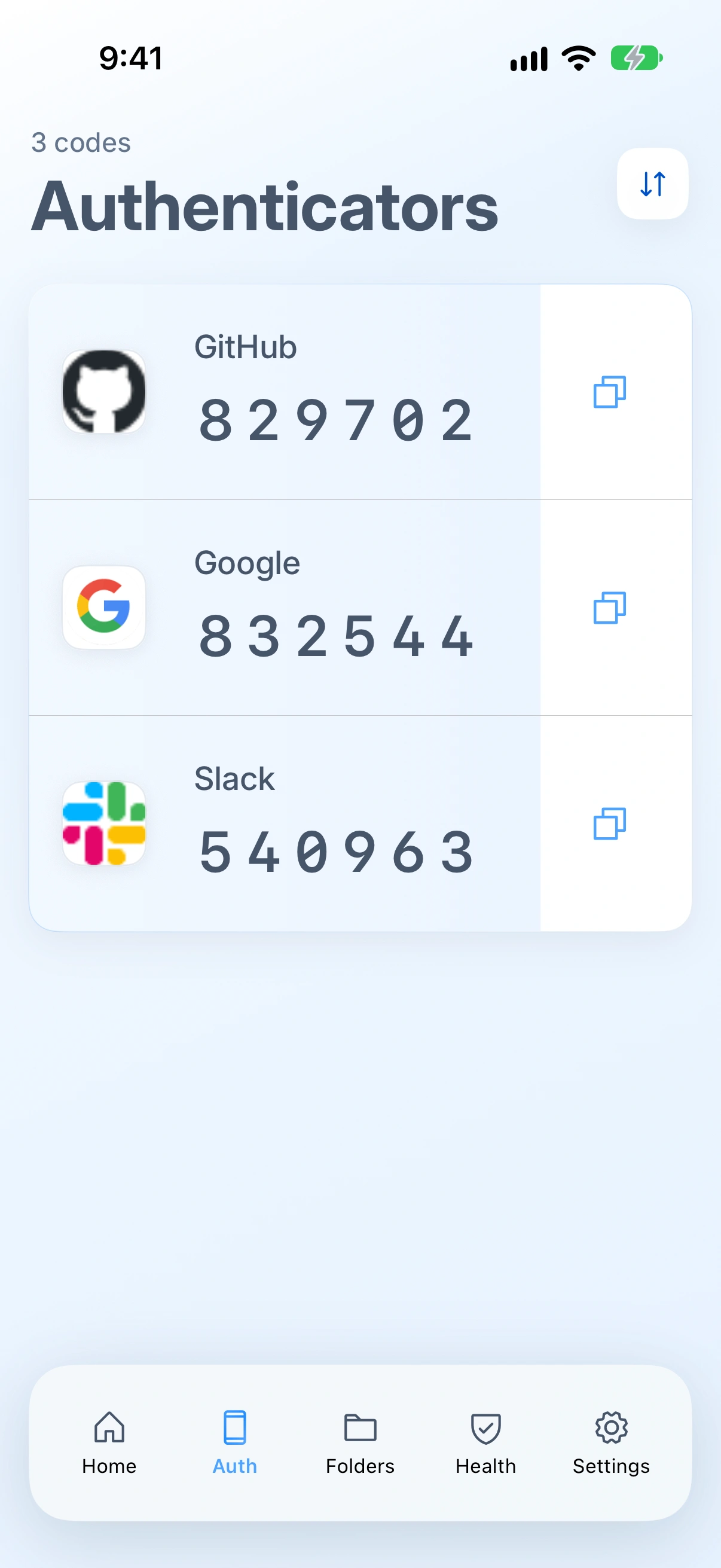
07One-time codes included
One-time codes live on the login they belong to, and AutoFill offers the password and then the code. Codes are part of the app, not a Premium extra.
The integrated 2FA authenticator is part of Pass Plus and higher. The free plan does not include it.
Zen Passwords. Zen Passwords. A code that lives beside its password is basic hygiene, and Zen does not charge for it.
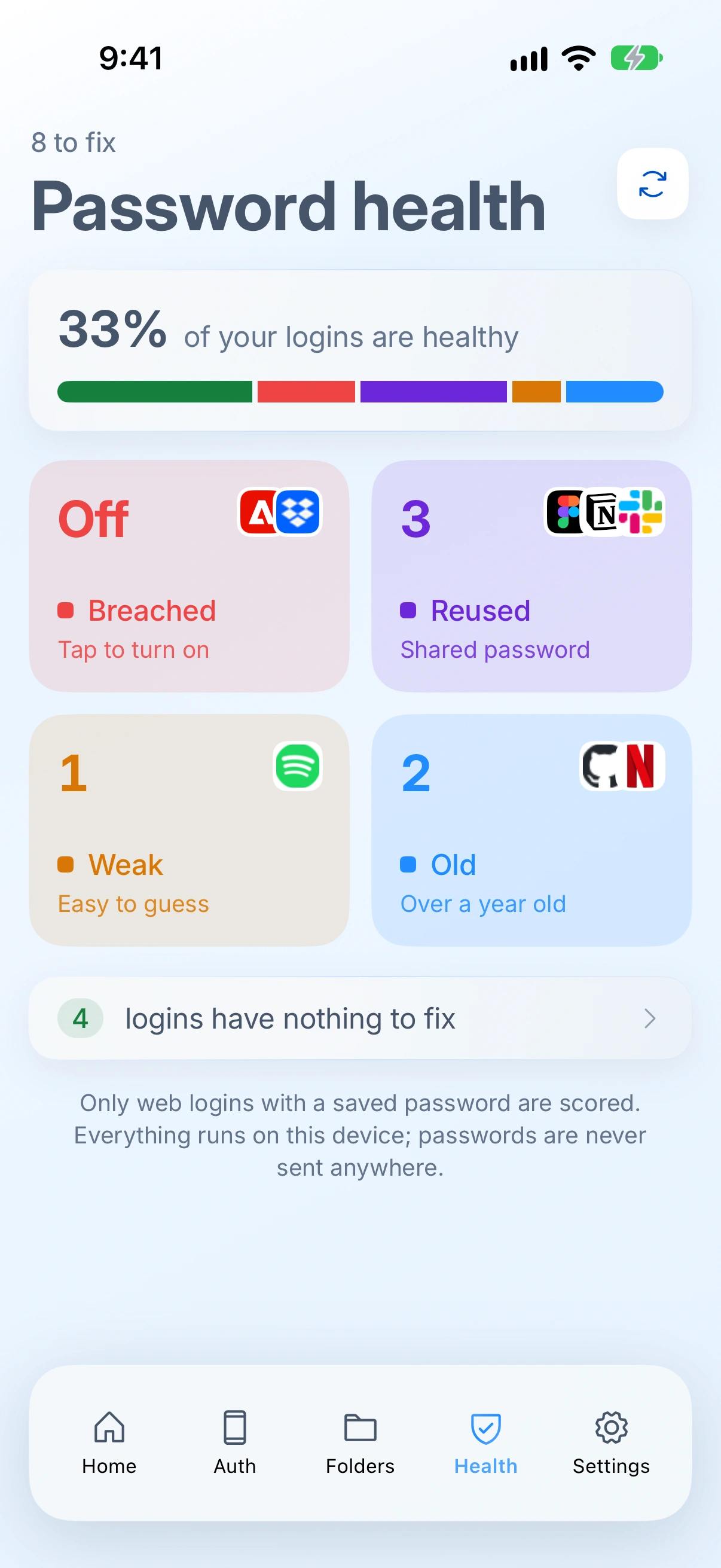
08Password health that runs on the phone
Flags breached, reused, weak and stale passwords, meaning any not changed in over a year. Every check runs on the device, and reuse is found by comparing hashes. The Premium breach check is opt in and uses k-anonymity, so no password or full fingerprint leaves the phone.
Free Password Health flags weak and reused passwords and logins missing two-factor codes. Breach alerts come from Dark Web Monitoring on paid plans, which watches your email addresses.
Zen Passwords. Zen Passwords. It checks the passwords themselves against breaches without sending them, and it tells you which ones you have left alone for too long.
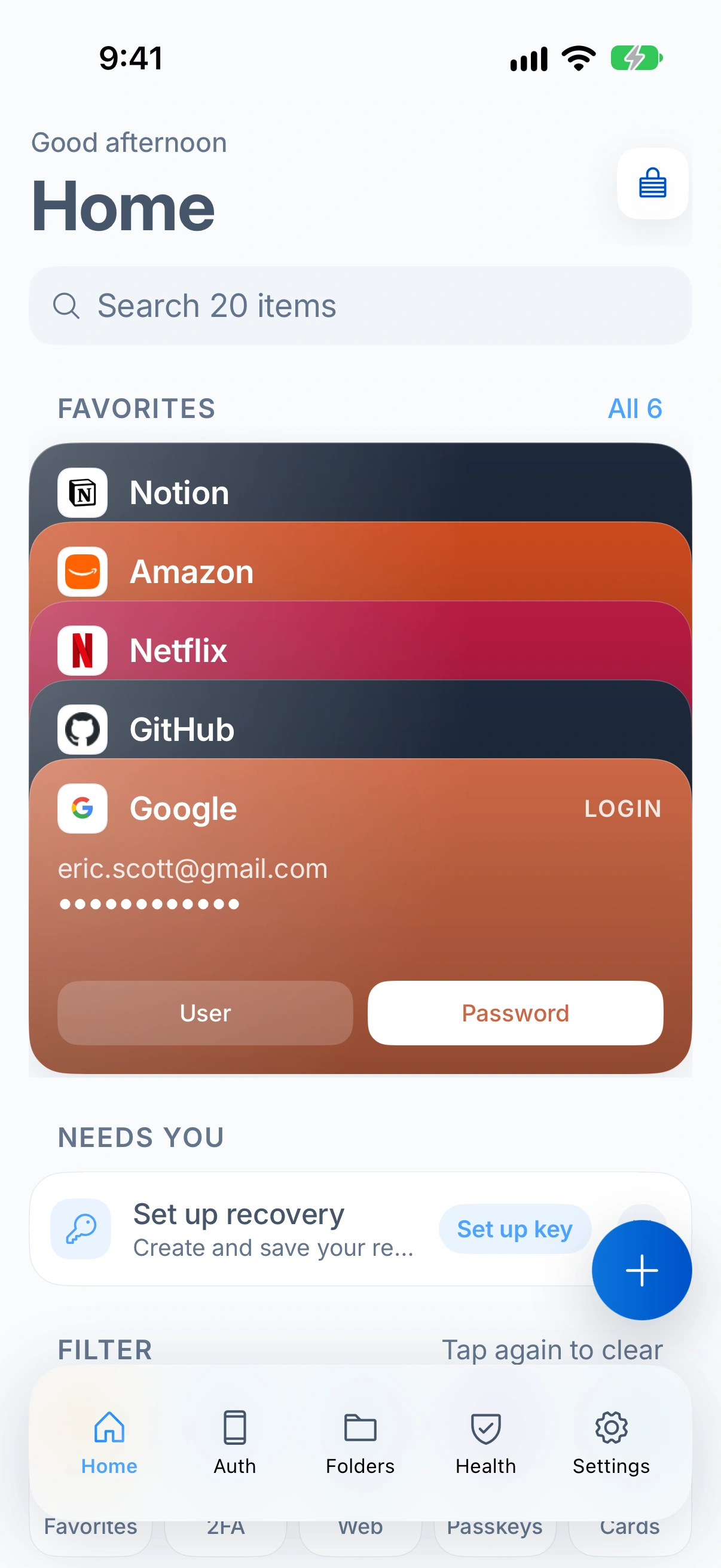
09Built only for Apple
A native app for iPhone, iPad and Mac and nothing else. AutoFill for logins, codes and passkeys in Safari and other apps, Face ID, Touch ID or Optic ID if you turn them on, and seventeen themes.
One product across iOS, Android, Windows, macOS, Linux and browser extensions. The Mac app is the desktop app Proton ships for Windows and Linux too.
Zen Passwords. Zen Passwords. Building for one platform means every screen is designed for the device in your hand.
10Devices beyond Apple
iPhone, iPad and Mac. No Android or Windows app and no browser extension.
iOS, Android, Windows, macOS and Linux apps, a web app and browser extensions, with unlimited logins on unlimited devices on the free plan.
Proton Pass. Proton Pass. If anyone who needs these passwords uses Android or Windows, this round decides it.
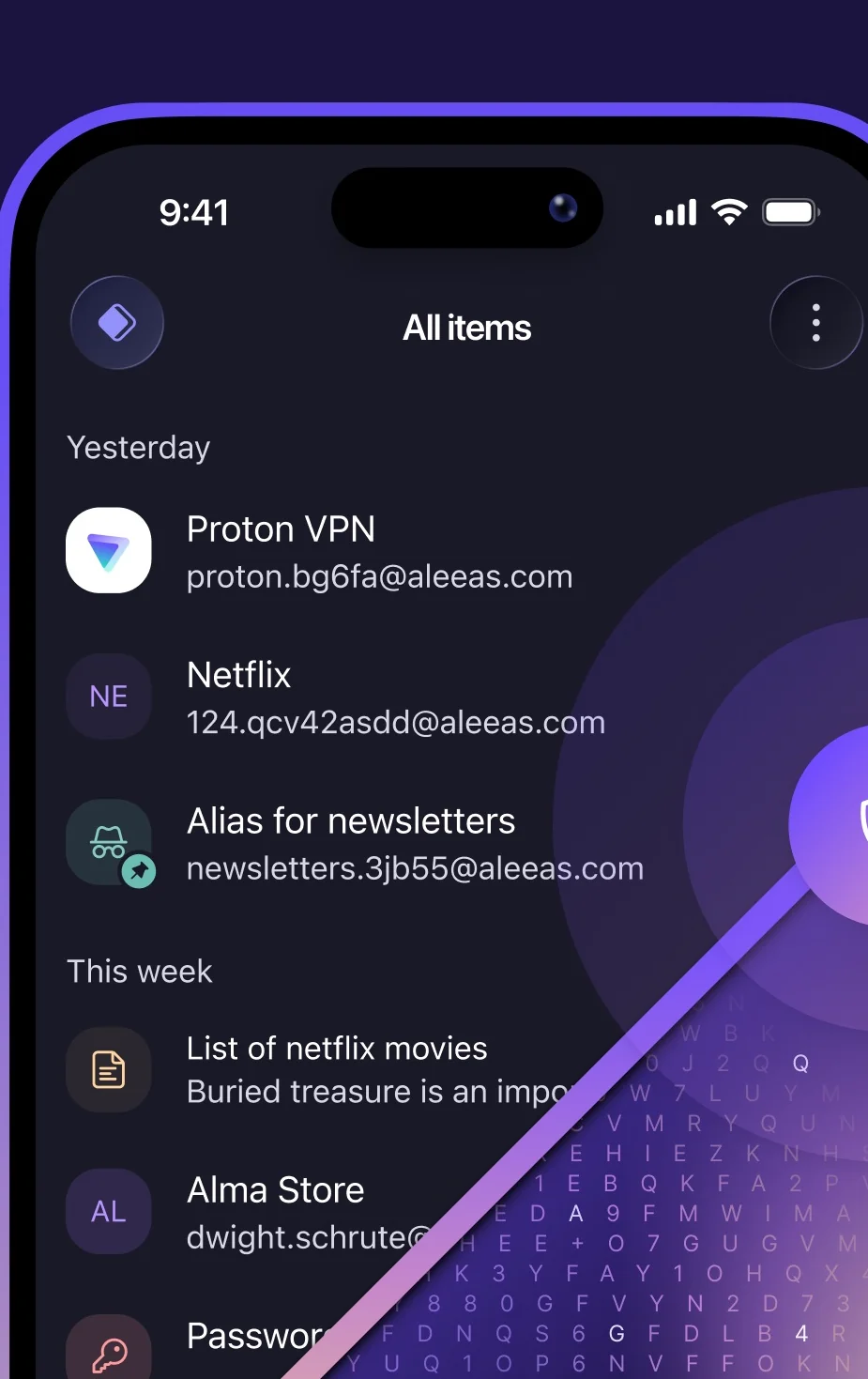
11Sharing, and hiding your email
Your vault is yours alone. No shared vaults and no email aliases.
Vault sharing with two people on the free plan and more on paid plans, plus hide my email aliases, ten free and unlimited on paid plans.
Proton Pass. Proton Pass. For a family sharing logins, or anyone who wants a fresh address for every sign-up, Proton does this and Zen does not.
The verdict
Proton Pass is a well made cloud service. You create a Proton account, your encrypted vault lives on Proton servers, and the account is how you sign in, recover and share. That design is why it runs everywhere, and it is also why it asks you to trust an account and a server.
Zen Passwords removes both. There is no Zen account to create and no Zen server holding vaults. Your vault is encrypted on the device, optionally synced as ciphertext through your own private iCloud, and opened with your master password plus a 26 character Secret Key that is generated on your device and never uploaded.
Then come the things you notice in a normal week: encrypted backups that run on a schedule, a vault that works offline on every plan, one-time codes that are not a paid extra, a health check that also flags passwords you have not changed in a year, and an app built only for Apple devices.
Proton wins two rounds, and they are real. It runs on Android, Windows and Linux, and it lets you share vaults and hide your email address behind aliases. If you need either, choose Proton. If your devices are Apple, Zen Passwords is the stronger personal vault.
The short version
If you are still deciding
- All Apple and want nobody holding your vault? Zen Passwords.
- Android, Windows or shared family vaults in the picture? Proton Pass.
What we would tell a friend
If every device you use has an Apple logo on it, take Zen Passwords. Nobody holds an account for you, nobody stores your vault for you, and you still have a recovery plan and backups that run without you thinking about them. If someone in your life needs your passwords on Android or Windows, or you want email aliases, Proton Pass is the better fit.
No account, no vendor server, two keys and a way back in that is yours. Zen Passwords on the App Store
How every round was scored, and where the facts came from
Reviewed on 14 November 2026. Every Proton Pass claim comes from Proton’s own pages below. Zen Passwords claims come from our product and support documentation.
- Proton Pass plans and pricing Free plan: unlimited logins on unlimited devices, two vaults, sharing with two others, ten aliases, weak and reused password alerts. Integrated 2FA authenticator, file attachments, Emergency Access and Dark Web Monitoring on Pass Plus and higher.
- Proton Pass security End to end encryption of vault data, open-source apps, independent audits and a bug bounty.
- Proton Pass extra password Optional, user-chosen, at least eight characters, entered in addition to the Proton account password.
- Proton data recovery Recovery phrase and recovery file for regaining encrypted data after a password reset.
- Proton Emergency Access Paid plans, up to five trusted contacts who need Proton accounts, requests approved automatically after the waiting period if the owner does not respond.
- Proton Pass export PGP-encrypted, JSON or CSV export from the browser extension, web app and Windows app. Not available in the mobile apps. No scheduled export documented.
- Proton Pass on all devices Offline access for paid plans, and the desktop app for Windows, macOS and Linux.
- Proton Pass Monitor Password Health covers weak, reused and missing two-factor; Dark Web Monitoring is a paid feature.
- Zen vault cryptographic core Open-source key derivation with test vaults, Apache 2.0.
- zen-cli Open-source, read-only tool that opens an encrypted Zen backup on Mac or Linux.
- Zen Passwords free tier and Premium Active item limit on the free tier and the opt-in Premium breach check.
Features change. If a Proton page above has moved on, tell us and we will update the round.
Questions
Do I need an account to use Zen Passwords?
No. There is no Zen account and no sign-up. Your vault is created on your device and protected by your master password and Secret Key. Proton Pass requires a Proton account.
Where is my vault stored?
On your iPhone, iPad or Mac. If you turn on sync, encrypted data travels through your own private iCloud under your Apple ID. Zen runs no server that holds vaults. Proton Pass stores your encrypted vault on Proton servers.
What is the Secret Key, and how is it different from Proton’s extra password?
The Secret Key is a 26 character, 130-bit key generated on your device and never uploaded. It is combined with your master password, so a guessed master password is useless without it. Proton’s extra password is a second password you choose yourself, entered on top of your Proton account password.
What happens if I forget my master password?
Use your recovery key, or ask the people you set up for social recovery. Several of them together can help you back in, and none of them can open the vault alone. Zen never receives your master password and cannot reset it, so nobody at Zen can be talked into opening your vault.
Can I move from Proton Pass to Zen Passwords?
Yes. Export a CSV from the Proton Pass browser extension, web app or Windows app, then import it into Zen Passwords, which reads common-column CSV files. Delete the export file once the import is done.
Is there a free plan?
Yes. The Zen Passwords free tier holds five active items in the real app, not an expiring trial, with AutoFill, sync, backups, recovery and all seven item types. Zen Premium removes the limit and adds the breach check and Archive. Apple shows the price before you buy.