Nine rounds against the manager closest to Zen Passwords: no vendor server, your vault in storage you control. Each round names a specific mechanism and scores it.
- Two keys by default: your master password plus a Secret Key generated on your device.
- Argon2id, a memory-hard key derivation, instead of PBKDF2.
- A recovery key you keep, so a forgotten master password is not the end of your vault.
- Social recovery: trusted people who together can help you back in, and none alone can get in.
- Open-source key derivation with test vaults, and a free tool that opens your backup without the app.
- An app built only for iPhone, iPad and Mac.
- You need your passwords on Windows, Android or Linux.
- You want to sync through Dropbox, Google Drive, OneDrive, Nextcloud or WebDAV.
- You want a family plan, or 25 items on the free tier.
At a glance
| Zen Passwords | Enpass | Better | |
|---|---|---|---|
| Two keys, on by default | Secret Key on by default | Optional keyfile, every login | Zen Passwords |
| What a guess costs an attacker | Argon2id, memory-hard | PBKDF2-SHA512, 320,000 iterations | Zen Passwords |
| A way back in when you forget | A recovery key you keep | No recovery for personal vaults | Zen Passwords |
| Recovery without the company: social recovery | Trusted people, none alone | Business admin recovery only | Zen Passwords |
| Your vault opens without the app | Open-source zen-cli, read-only | No official tool | Zen Passwords |
| Check the cryptography yourself | Open-source core with test vaults | Whitepaper, closed code | Zen Passwords |
| Built only for Apple | Native to iPhone, iPad and Mac | One Qt app across desktops | Zen Passwords |
| Devices beyond Apple | iPhone, iPad and Mac | Every major platform and browser | Enpass |
| Which cloud you sync through | Private iCloud, or local only | Many clouds, WebDAV or Wi-Fi | Enpass |
01Two keys, on by default
A 130-bit Secret Key, 26 characters, generated on your device and never uploaded or synced, combined with your master password. On by default for vaults created since August 2026, and asked for when you add a new device, open the web vault or restore a backup.
An optional keyfile, a 32-byte random value, combined with the master password. It is off unless you set it up, and once set it is needed with your master password every time you log in. Mobile devices add it by scanning a QR code from a computer.
Zen Passwords. Zen Passwords. Both designs make a guessed master password useless on its own. Zen turns it on for you and keeps it out of your way day to day, so you actually get the protection.
02What a guess costs an attacker
Argon2id, a memory-hard key derivation, from the master password.
PBKDF2-HMAC-SHA512 at 320,000 iterations, per its security whitepaper. Enpass recommends adding a keyfile rather than raising the iteration count.
Zen Passwords. Zen Passwords. PBKDF2 makes each guess cost time. Argon2id makes it cost time and memory, and memory is what large banks of graphics cards are short of.
03A way back in when you forget
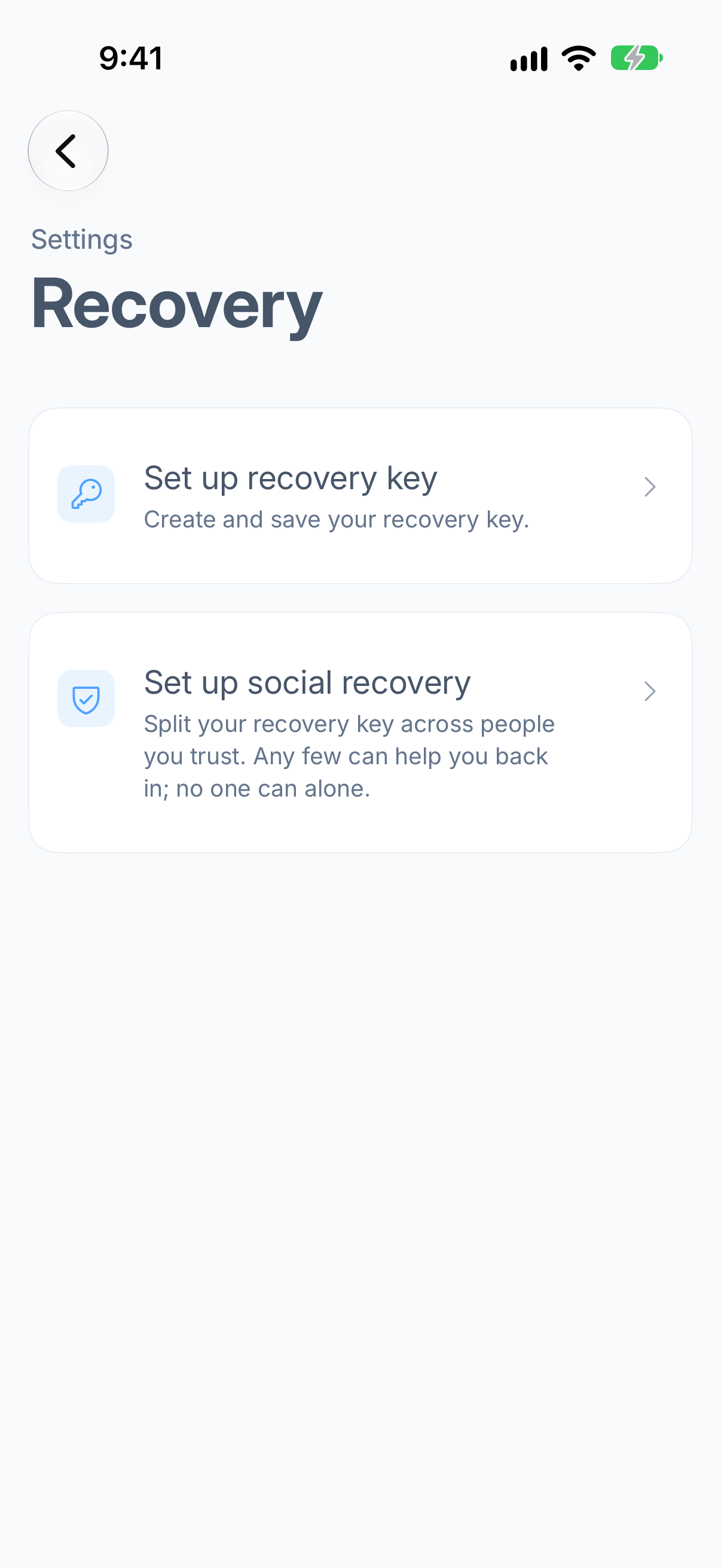
A recovery key you create and keep. Zen never receives your master password and cannot reset it, and the recovery key means it does not need to.
For personal vaults, Enpass says there is no backdoor or recovery method if you forget your master password or lose your keyfile. Admin-assisted recovery exists only in Enpass for Business.
Zen Passwords. Zen Passwords. Not holding your data should not mean you lose it to one forgotten password.
04Recovery without the company: social recovery
Social recovery splits your recovery key across people you trust. A few of them together can help you back in, and no single person can open the vault. No server and no company involved.
No personal recovery through other people. Recovery with help from others is the Business admin feature, which stores encrypted vault keys on the Enpass Hub.
Zen Passwords. Zen Passwords. If the paper recovery key is lost too, the people you chose can still get you back in, and none of them can do it alone.
05Your vault opens without the app
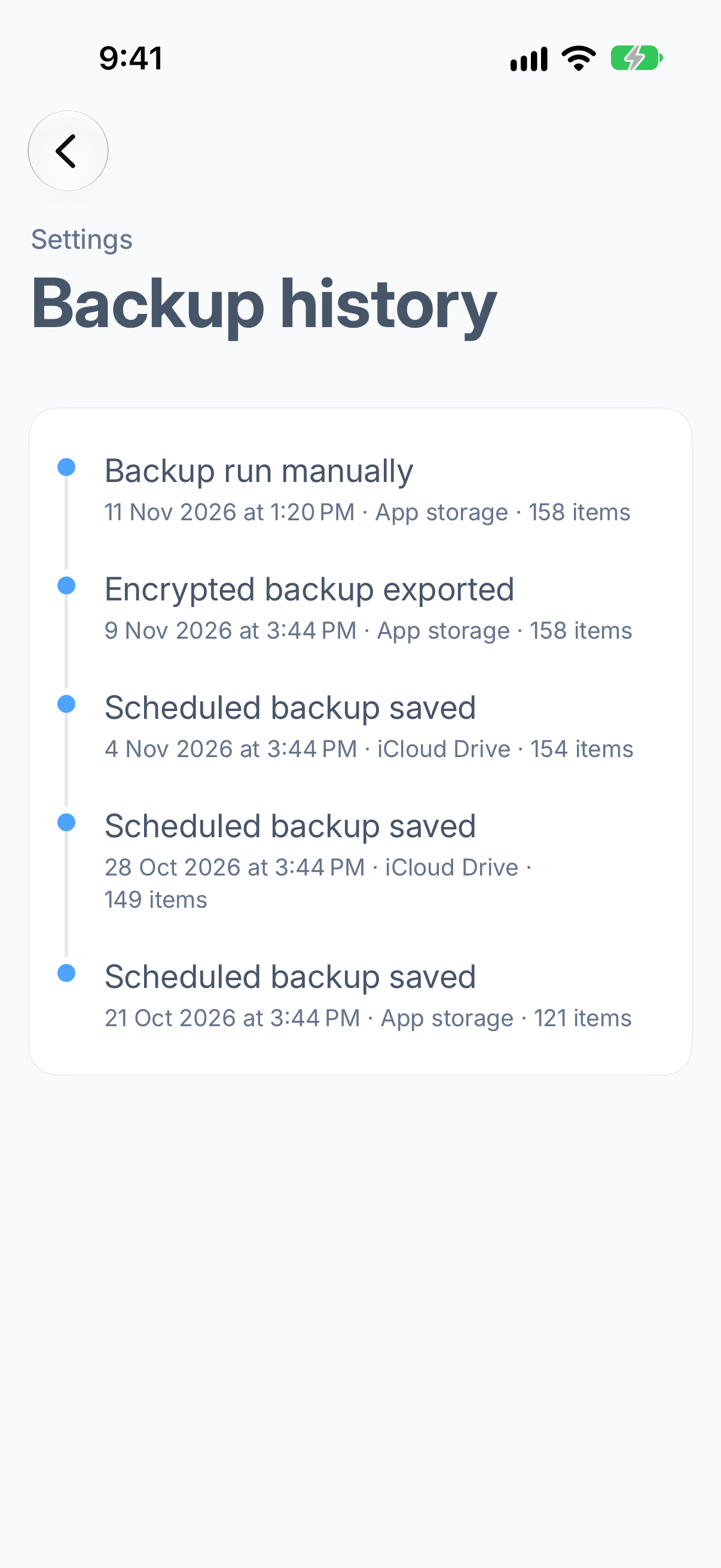
An encrypted Zen backup opens from a terminal on Mac or Linux with zen-cli, an open-source, read-only tool published by Zen. No app and no account.
The vault is a SQLCipher database, but Enpass publishes no command line tool of its own. The command line clients that exist are third-party projects.
Zen Passwords. Zen Passwords. If the app ever went away, you would still have an official, published way to read your own vault.
06Check the cryptography yourself
The key derivation core is open source at github.com/zenproductsai/zen-vault-core under Apache 2.0, with test vaults, so anyone can confirm how a vault key is made.
A detailed security whitepaper describing the design. The apps themselves are closed source.
Zen Passwords. Zen Passwords. A whitepaper tells you what the design is. Published code and test vaults let you check it.
07Built only for Apple
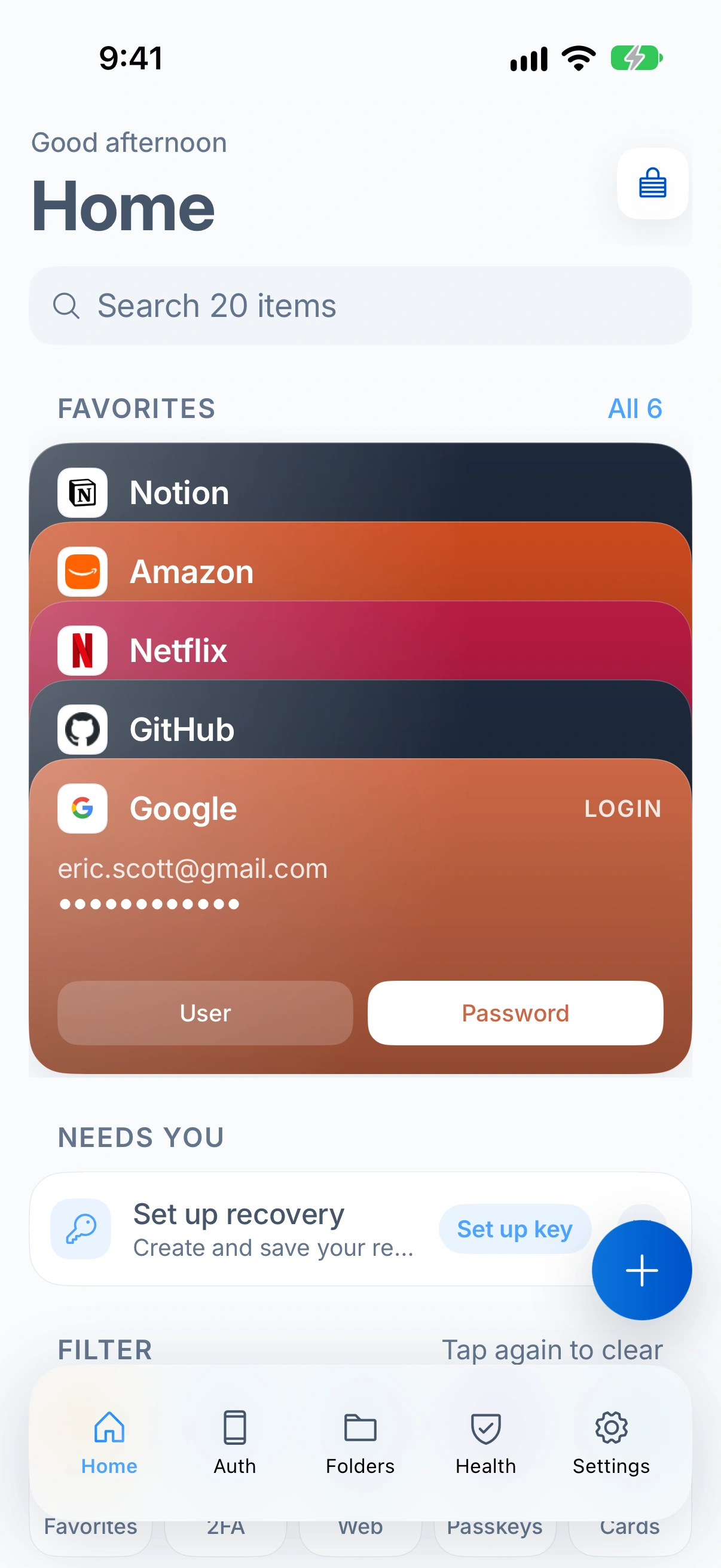
A native app for iPhone, iPad and Mac and nothing else. AutoFill for logins, codes and passkeys in Safari and other apps, Face ID, Touch ID or Optic ID if you turn them on, and seventeen themes.
One desktop app for macOS, Windows and Linux, built on the cross-platform Qt framework, plus mobile apps for iOS and Android.
Zen Passwords. Zen Passwords. Building for one platform means every screen is designed for the device in your hand.
08Devices beyond Apple
iPhone, iPad and Mac. No Android or Windows app and no browser extension.
Apps for Windows, macOS, Linux, iOS and Android, and browser extensions for Chrome, Edge, Firefox, Safari, Brave, Vivaldi and Opera.
Enpass. Enpass. One Windows laptop or Android phone settles this round.
09Which cloud you sync through
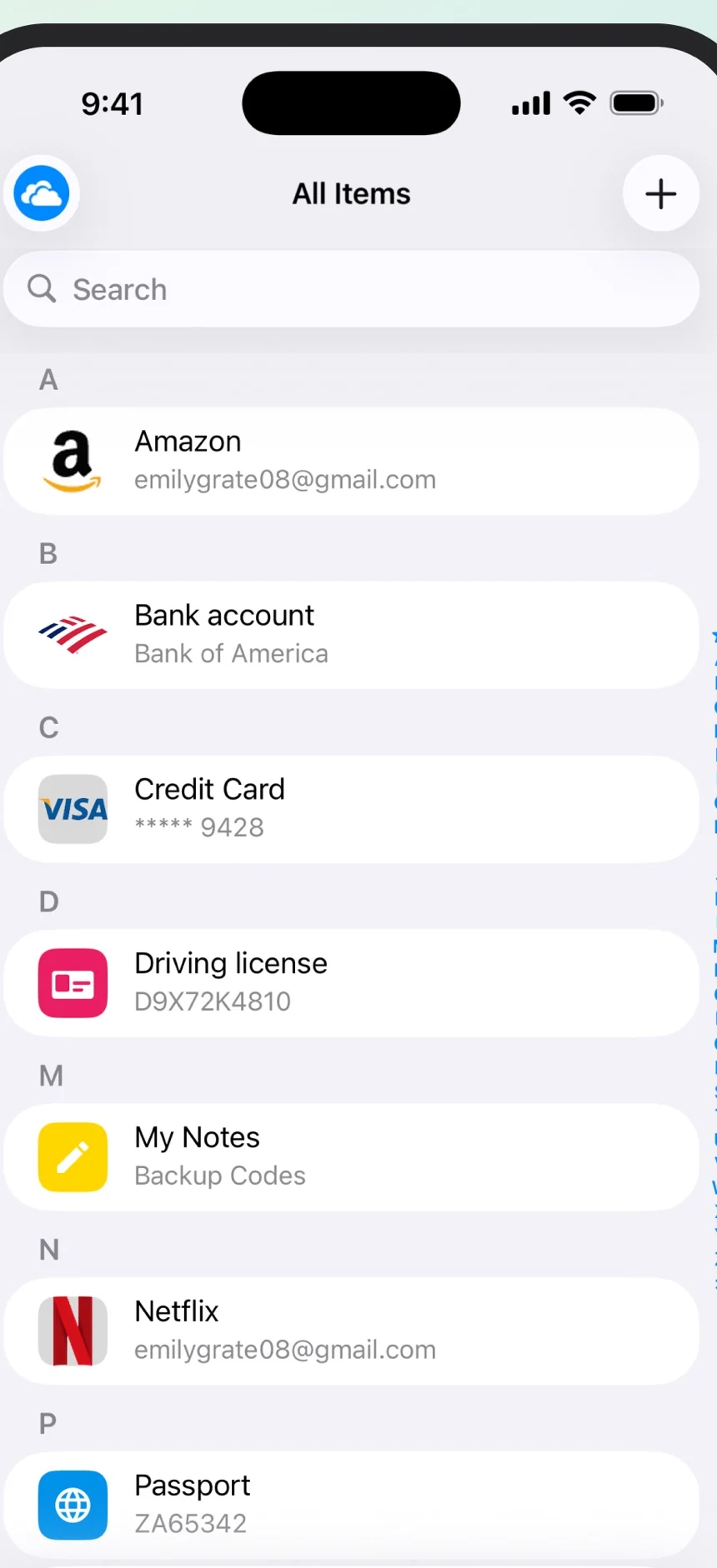
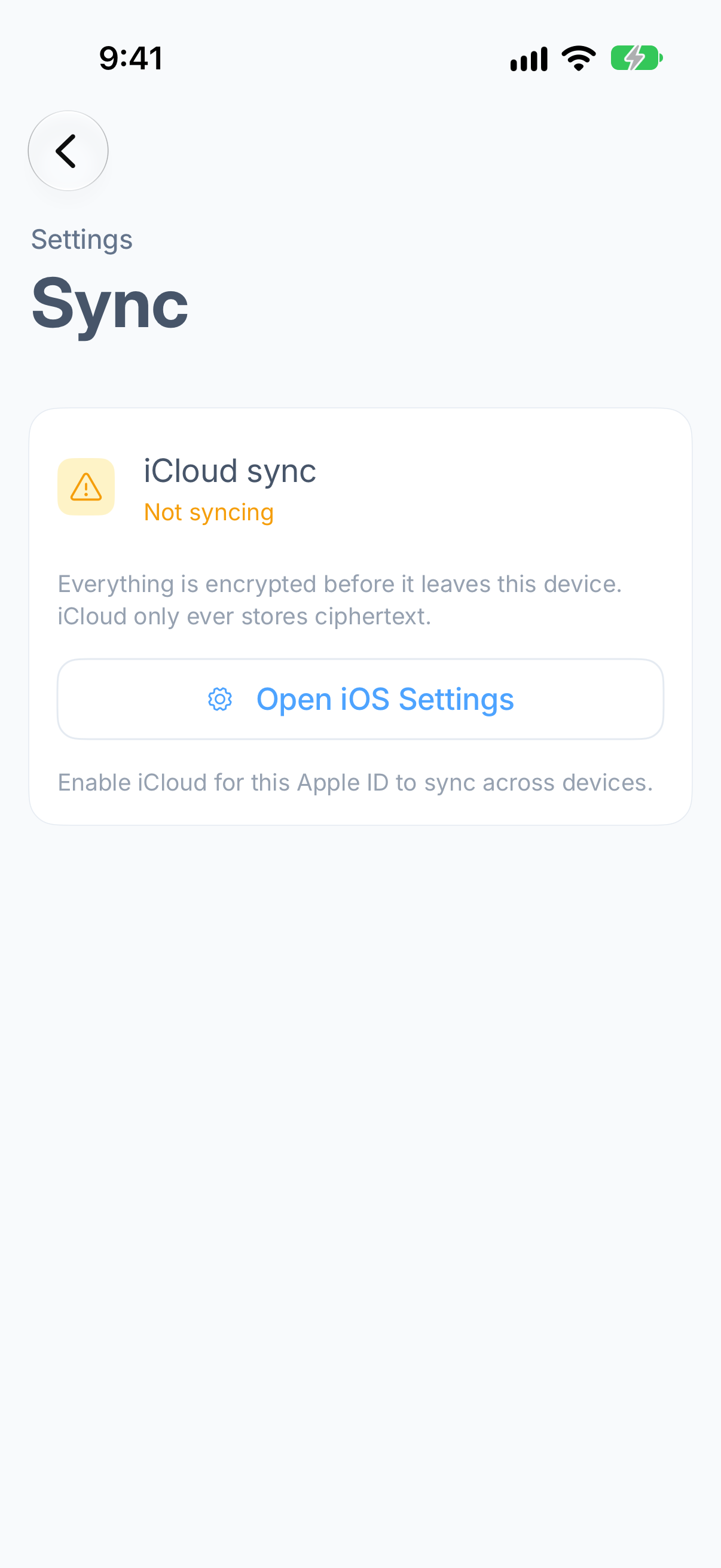
Your own private iCloud, under your Apple ID, or local only.
OneDrive, Google Drive, Dropbox, iCloud, Nextcloud, WebDAV, a network folder or local Wi-Fi sync between devices.
Enpass. Enpass. If you want your vault somewhere other than iCloud, Enpass gives you the choice.
The verdict
Enpass and Zen Passwords agree on the decision that matters most: neither company holds your vault. Enpass syncs an encrypted file through a cloud you pick, and Zen syncs encrypted data through your own private iCloud or stays local only. Neither keeps your vault in an account with the maker.
The difference is what happens around that file. Enpass derives your vault key with PBKDF2 and makes its keyfile optional. Zen uses Argon2id and combines your master password with a 130-bit Secret Key that is on by default for new vaults. Enpass says plainly that there is no recovery method if you forget your master password. Zen gives you a recovery key, or trusted people who together can help you back in.
Zen also publishes its key derivation code with test vaults, and an open-source command line tool that opens an encrypted backup without the app. And it is built only for iPhone, iPad and Mac, where Enpass ships one desktop app across Mac, Windows and Linux.
Enpass wins two rounds. It runs on Windows, Android and Linux, and it lets you choose from many clouds for sync. If you need either, choose Enpass. If your devices are Apple, Zen Passwords is the stronger personal vault.
The short version
If you are still deciding
- All Apple and want a second key and a way back in? Zen Passwords.
- Windows, Android or a cloud other than iCloud? Enpass.
What we would tell a friend
If you are all Apple, take Zen Passwords. You get the same no-server design as Enpass, plus a Secret Key from day one and a real plan for the day you forget your master password. If you work on a Windows PC or carry an Android phone, or you want your vault in Dropbox or on your own server, Enpass is the better fit.
Same idea as Enpass, with a second key by default and a way back in. Zen Passwords on the App Store
How every round was scored, and where the facts came from
Reviewed on 14 November 2026. Every Enpass claim comes from Enpass’s own pages below. Zen Passwords claims come from our product and support documentation.
- Enpass security whitepaper, version 1.4 PBKDF2-HMAC-SHA512 at 320,000 iterations, the optional 32-byte keyfile, no recovery method for a forgotten master password or lost keyfile, Business-only Access Recovery through Enpass Hub, and the list of sync options.
- Enpass keyfile setup Keyfile created on desktop, added to mobile by QR code, and needed with the master password at each login.
- Enpass pricing Free tier of 25 items, Premium and Family plans, apps for Windows, macOS, Linux, iOS and Android, and browser extensions.
- Enpass macOS release notes The Mac app is built on the Qt framework (the Windows release notes list the Qt version).
- Enpass forum: command line client Users requesting an official command line client; existing clients such as hazcod/enpass-cli are third-party.
- Zen vault cryptographic core Open-source key derivation with test vaults, Apache 2.0.
- zen-cli Open-source, read-only tool that opens an encrypted Zen backup on Mac or Linux.
Features change. If an Enpass page above has moved on, tell us and we will update the round.
Questions
Neither app holds my vault. What is the difference?
What protects the file and what happens when you forget. Zen combines your master password with a Secret Key by default and uses Argon2id. Zen also gives you a recovery key and social recovery. Enpass makes its keyfile optional, uses PBKDF2, and says there is no recovery method for a forgotten master password on personal vaults.
Is the Zen Secret Key like the Enpass keyfile?
Both are random values combined with your master password, so a guessed password is not enough. The Zen Secret Key is generated on your device, never uploaded, on by default for new vaults, and asked for when you add a new device, open the web vault or restore a backup. The Enpass keyfile is optional and is needed every time you log in once you set it up.
Is PBKDF2 at 320,000 iterations weak?
No. It is a careful setting and Enpass documents it openly. It makes each guess cost time but not memory. Argon2id, which Zen uses, makes each guess cost both.
What if I forget my master password?
With Zen, use your recovery key, or ask the people you set up for social recovery to help you back in. With an Enpass personal vault, Enpass says there is no way to recover the data.
Can I read my vault without the Zen app?
Yes. zen-cli is an open-source, read-only tool that opens an encrypted Zen backup from a terminal on Mac or Linux, with no app and no account.