Most password managers work the same way: your vault is encrypted, uploaded to the company's servers, and decrypted on your device when you log in. The company holds the encrypted file. You trust their servers, their security, and their business to remain solvent and honest.
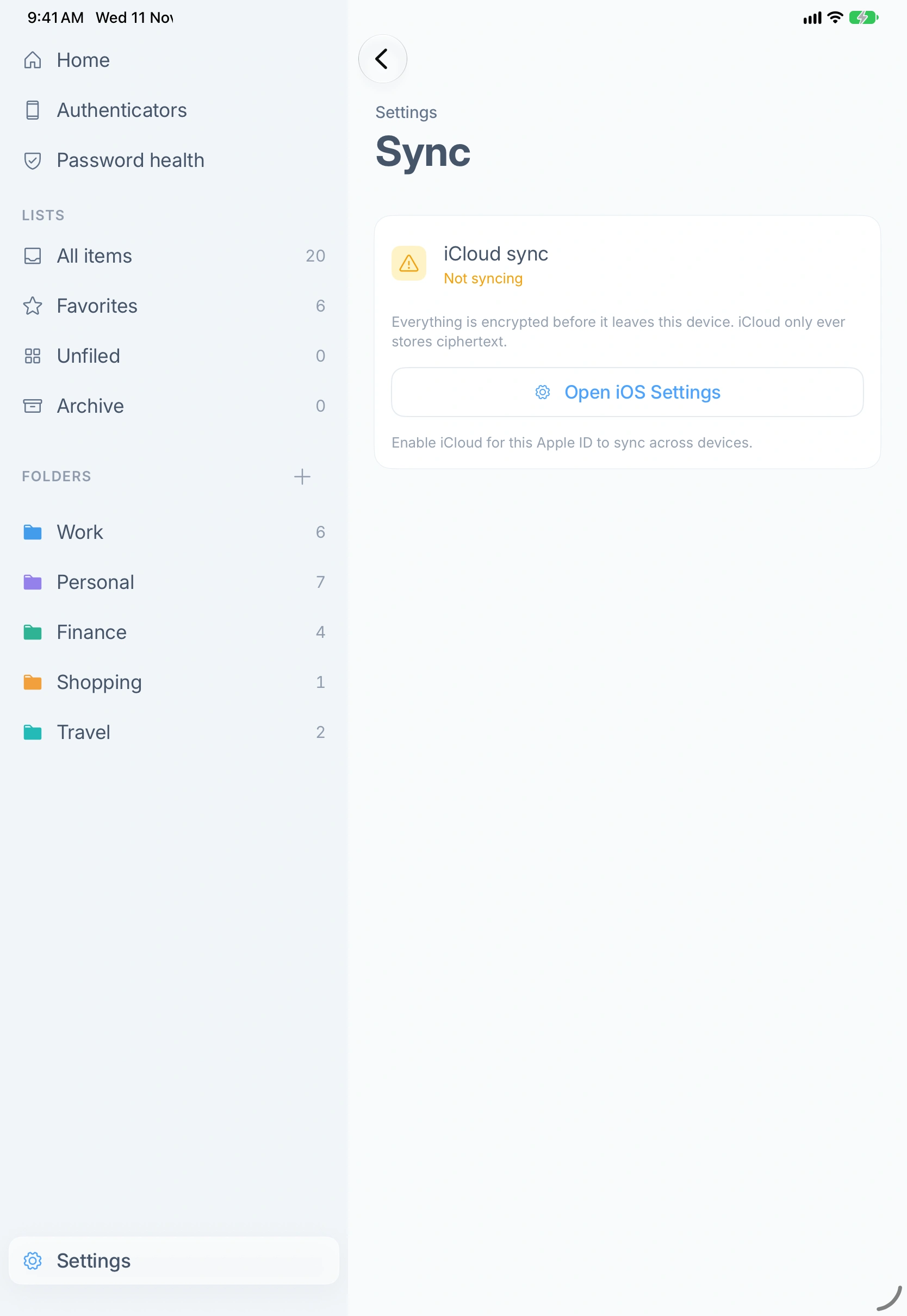
Zen Passwords works differently. Your vault stays on your device. It syncs through your own Apple ID if you choose, using Apple's infrastructure, not ours. Zen Products never receives a copy of your data, encrypted or otherwise.
How Local-First Encryption Works
When you create your vault in Zen Passwords, your master password is used to derive an encryption key on your device. That key encrypts your vault items locally. The encrypted vault can then optionally sync via iCloud using your personal Apple ID.
At no point does your master password leave your Mac. Zen Passwords has no account system, no reset link, and no server that could be breached to expose your data. If Zen Products went offline tomorrow, your vault would continue to open and sync exactly as it does today.
What Zen Passwords Stores
Zen Passwords handles seven item types:
- Web logins with username, password, URL, and notes
- Payment cards with number, expiry, CVV, PIN and billing ZIP
- Bank details with account and routing numbers and IBAN
- Identity documents such as a passport or driving licence, with number, dates, issuing authority and nationality
- Secure notes as encrypted free-form text
- Wi-Fi networks with SSID and password
- Software licences with product name, key, seats and expiry
You can also attach encrypted photos to any vault entry, useful for storing a scan of a document alongside its typed details.
No Company Account Required
Creating a Zen Passwords vault requires no registration with Zen Products. You download the app, set a master password, and your vault is created locally. Sync between your iPhone, iPad and Mac starts on its own when each device is signed in to iCloud with the same Apple ID. Sync runs through your own private iCloud under your Apple ID, and what it carries is already ciphertext, because the vault was sealed on your device before any of it left.
There is no Zen Passwords account to breach, no subscription tied to a company-held email, and no customer database that could leak your identity alongside a password breach.
Offline Access
Zen Passwords works entirely offline. Your vault is stored locally and does not require an internet connection to open, search, or edit. This is useful when travelling or in environments where network access is restricted.
Open Vault Without the App
An open-source, read-only terminal tool, zen-cli, opens an exported encrypted backup on a Mac or Linux, so you keep access even if the app is ever unavailable. You build it from source, and the key derivation is published as zen-vault-core. On a computer that is not a Mac, you can also open zenpasswords.com/vault, sign in with your Apple Account and read your vault in the browser. It is read-only, and your master password never leaves the tab.
Password Health, Checked Locally
Zen Passwords includes a password health assessment that checks for weak, reused, and potentially compromised passwords. Weak, reused and old passwords are checked on your device. The optional breach check, part of Zen Premium, sends only the start of a password's hash, never a password.
*Try Zen Passwords free at zenproducts.ai/apps/zen-passwords.*
Questions
Is Zen Passwords available on iPhone and iPad?
Yes. Zen Passwords works on iPhone, iPad, and Mac. AutoFill is available on all three platforms through the system AutoFill provider.
What happens if I forget my master password?
Zen Passwords cannot reset your master password because it never held it. Set up a recovery key or social recovery in Settings, under Recovery, as soon as your vault exists. Social recovery splits a recovery key among trusted contacts. Without recovery, a forgotten master password means the vault cannot be opened.
Does iCloud sync mean Apple can read my vault?
What sync carries is already encrypted. Your vault is sealed on your device with keys derived from your master password before any sync happens, and we never receive that master password, so we cannot open your vault for you or for anyone else. Whatever guarantees Apple makes about iCloud sit on top of that. They are not the thing protecting your vault.
What is the free tier?
Zen Passwords is free for up to five active vault items. Zen Premium adds unlimited items. Apple shows the plans and prices before you buy.
Does Zen Passwords import from other managers?
Yes. Zen Passwords imports from 1Password, Bitwarden, LastPass, Chrome and Apple Passwords, plus generic CSV or JSON files.